Afrikaans
 العربية
 български
 বাংলা
বাংলা
 Čeština
 Dansk
Dansk
 Deutsch
 Ελληνικά
 English (US)
 Español
 فارسی
فارسی
 Suomi
Suomi
 Français
 עִבְרִית
 हिन्दी
 Bahasa Indonesia
 Italiano
 日本語
日本語
 한국어
한국어
 Latviešu valoda
 Bahasa Melayu
 Nederlands
 Norsk Bokmål
 Polski
 Português
 Русский
 Kiswahili
 Svenska
 ไทย
ไทย
 Türkçe
 Українська
 Tiếng Việt
 简体中文
简体中文
 繁體中文
繁體中文
Big Blue Meeting offers a free trial for up to one month with Chamilo videoconferencing support. Sign up to get videoconferencing setup in 5 mins.
Chamilo includes a video conferencing plugin to allow for online meetings and teaching. In order to use the plugin you need your own BigBlueButton server or you need a service like Big Blue Meeting in order to provide the server for you to use. Follow the instructions below to setup the video conferencing server in Chamilo in the next few minutes to start teaching and meeting online with Chamilo.
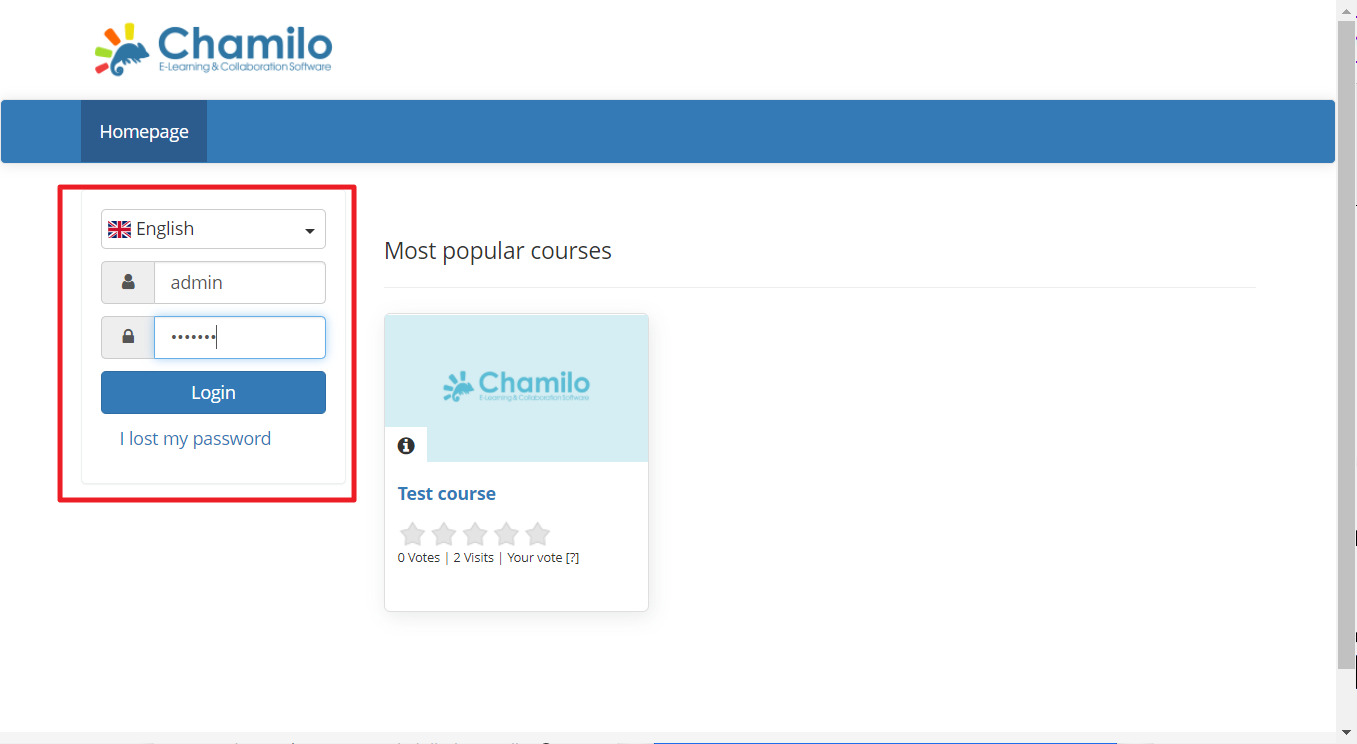
Step 1
Login as administrator into Chamilo.
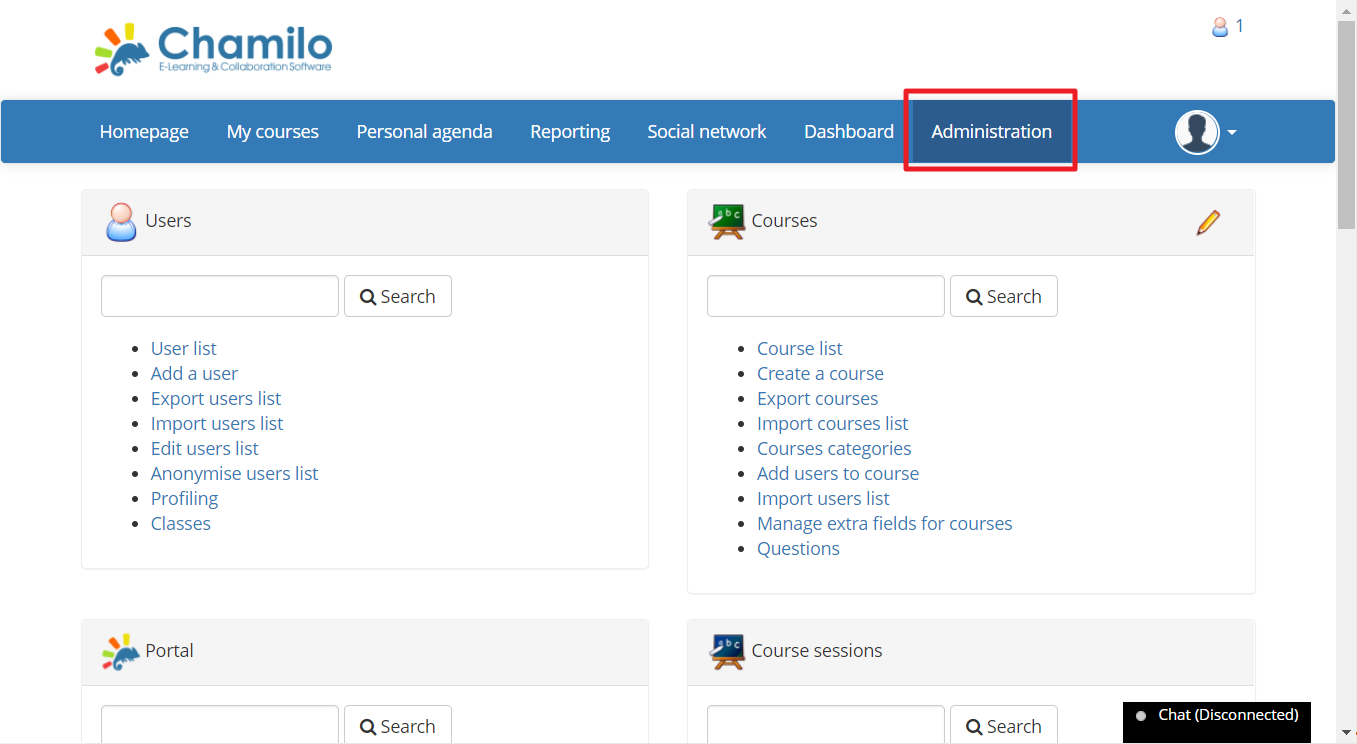
Step 2
Go into the Administration menu.
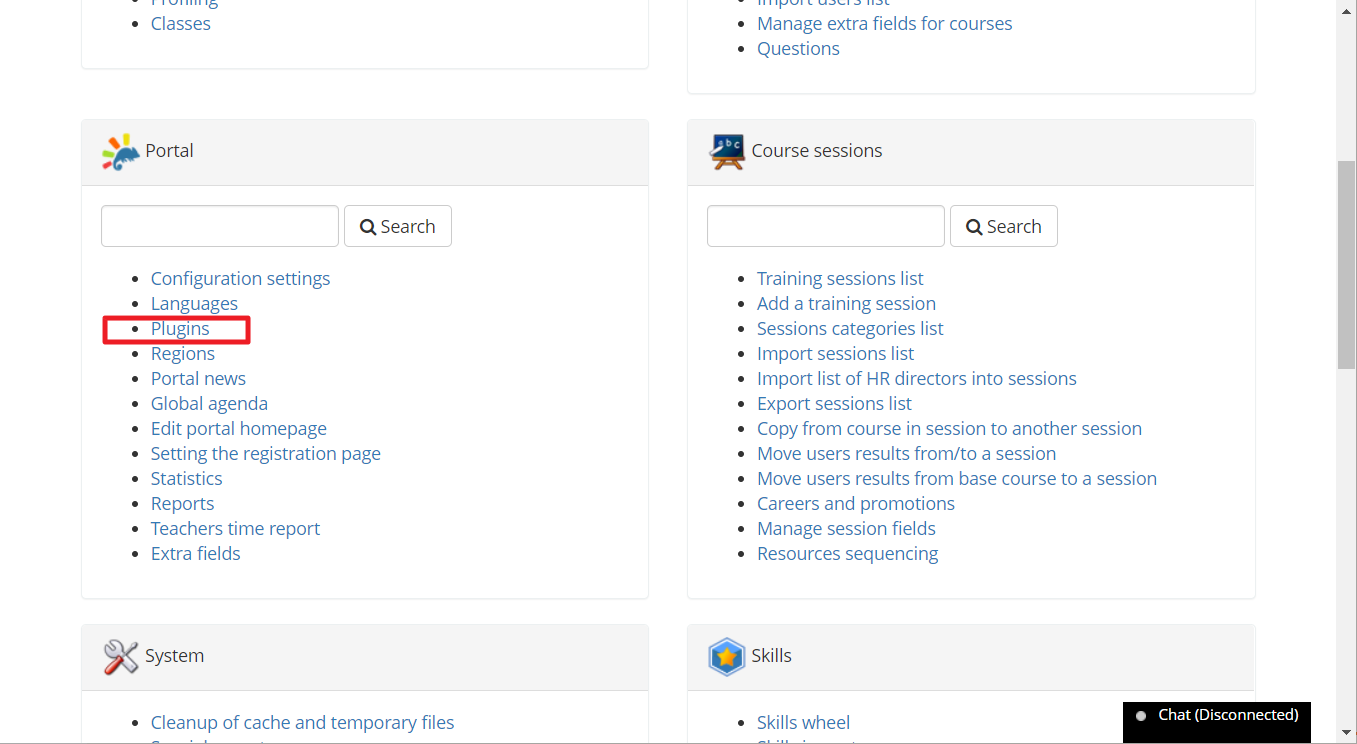
Step 3
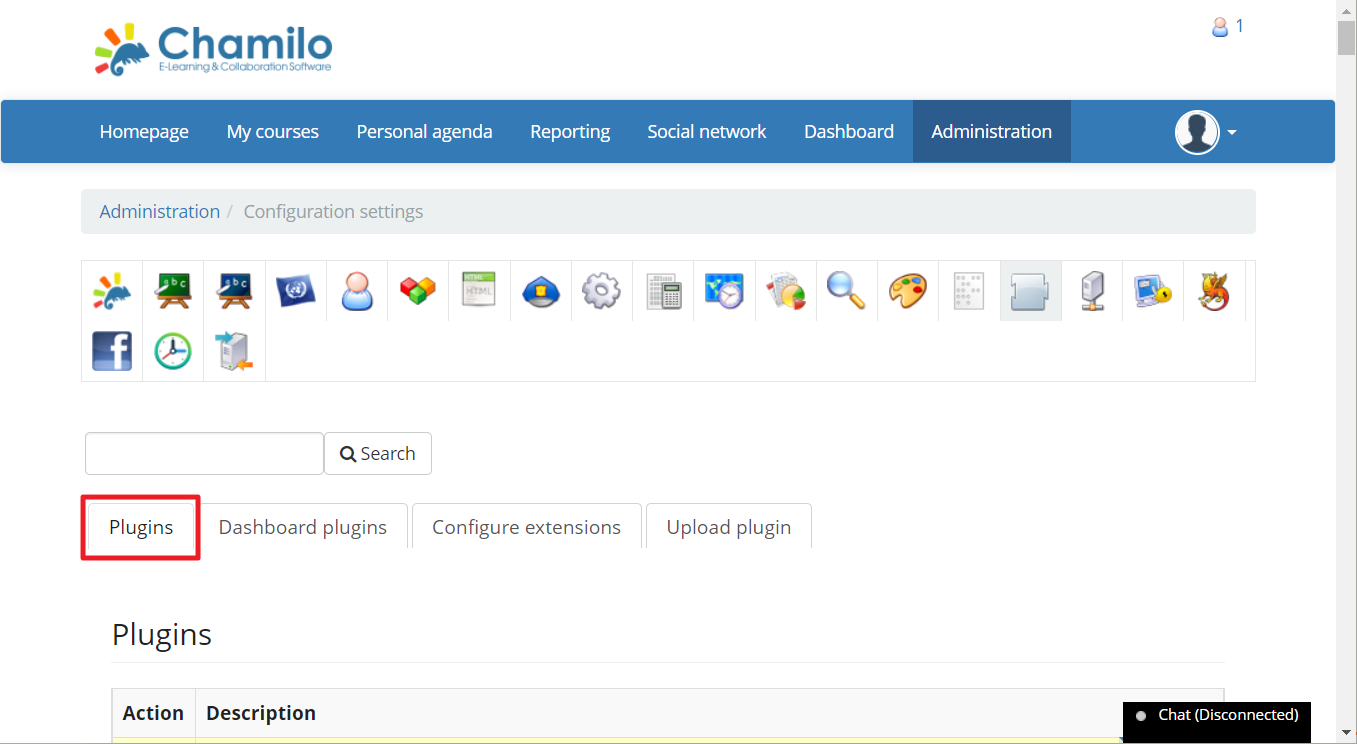
Under the portal section choose "Plugins"
Step 4
You should now be on the "Plugins" page under the "Plugins" tab.
Step 5
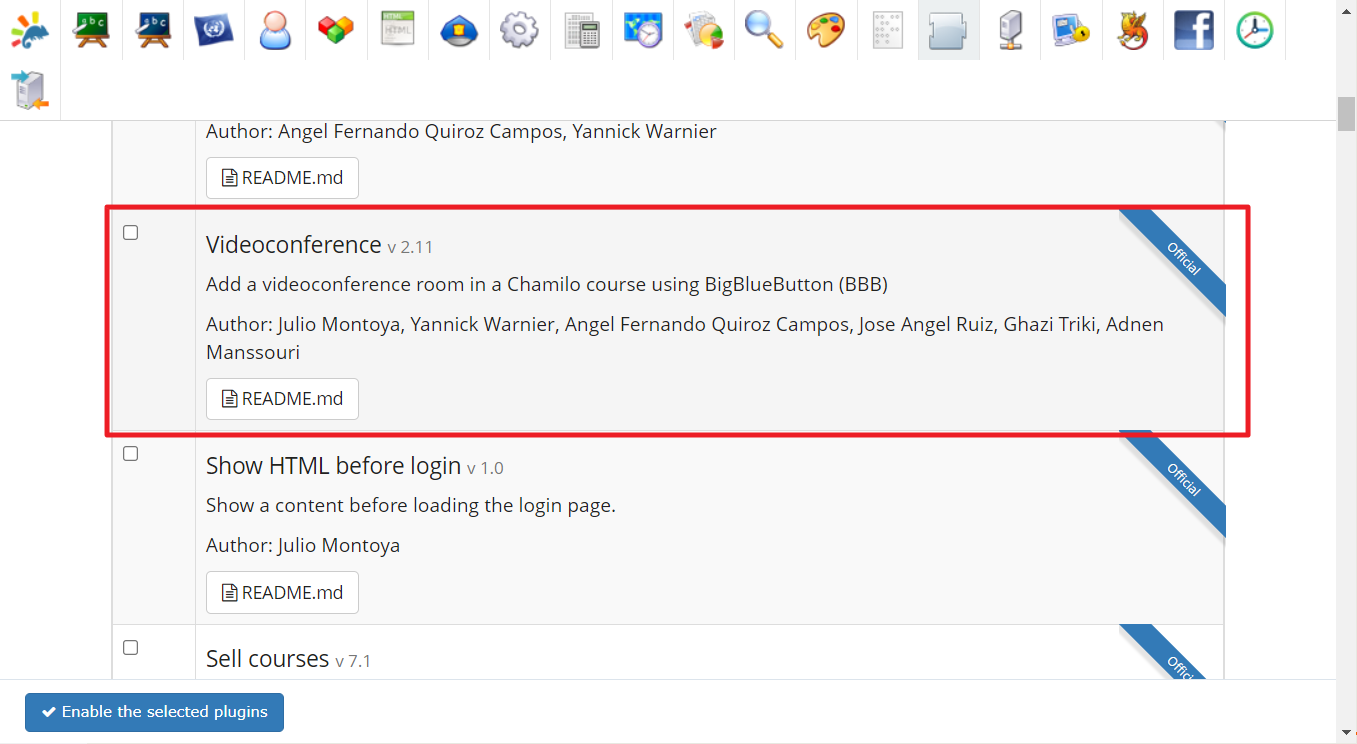
Scroll down to find the "Videoconferencing" plugin.
Step 6
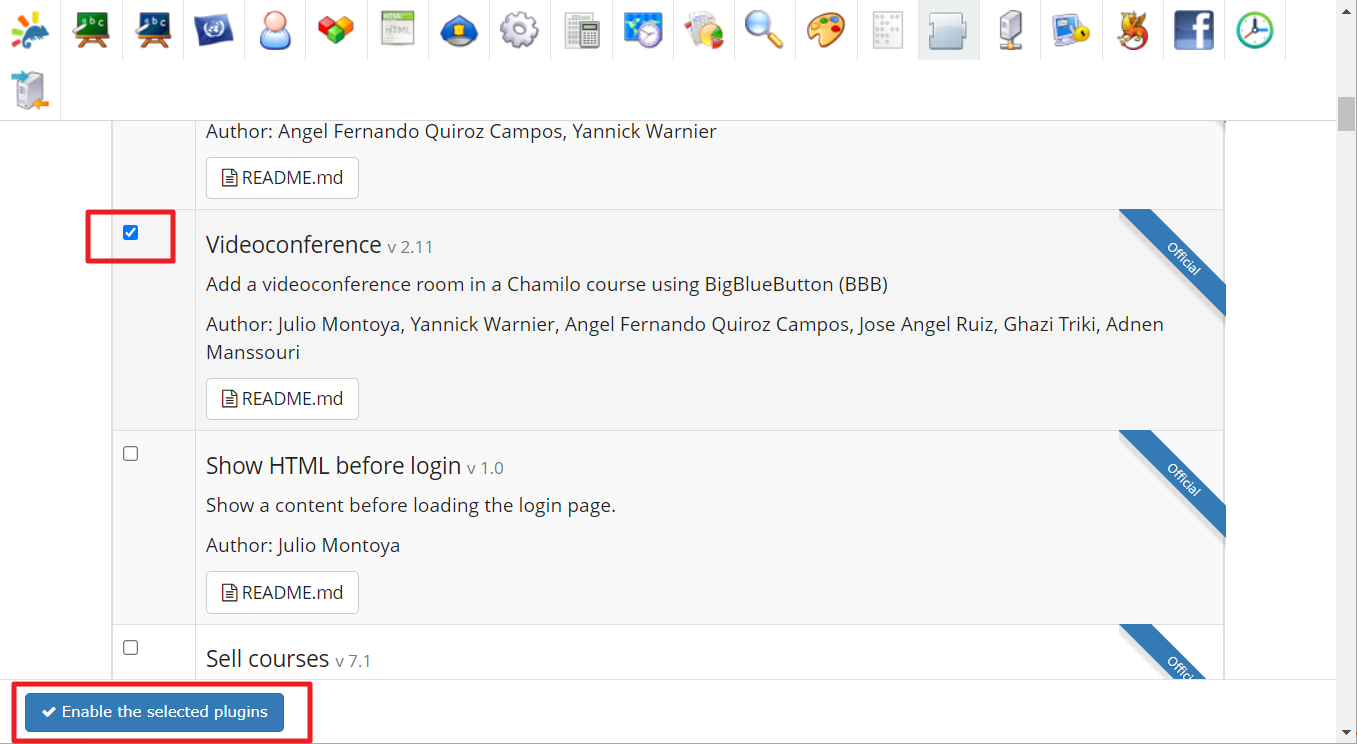
Enable the plugin by checking the checkbox next to it and click Enable the selected plugin.
Step 7
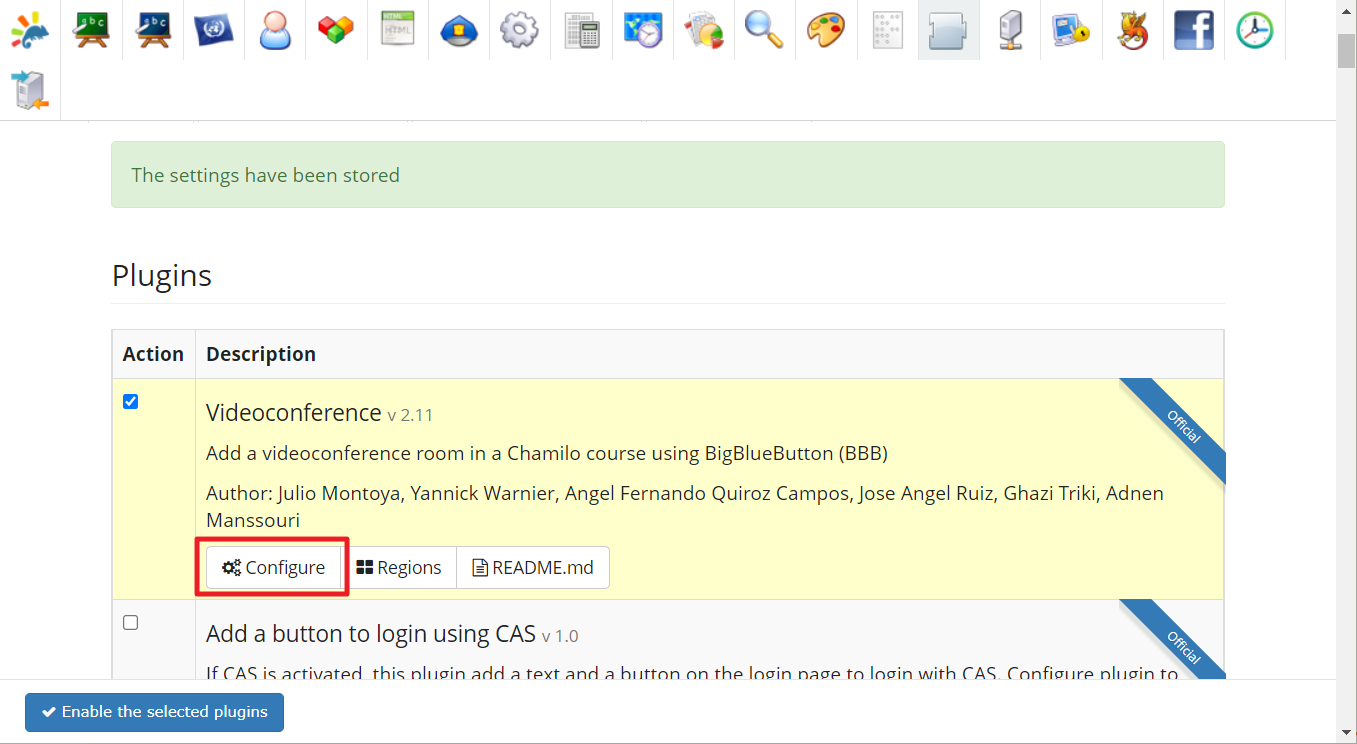
The changes should now be saved. Click configure on the enabled "Videoconferencing" plugin.
Step 8
Enable the videoconferencing tool by selecting the radio button labelled "Yes". Sign up for an account on Big Blue Meeting and copy the BigBlueButton URL and Shared secret.
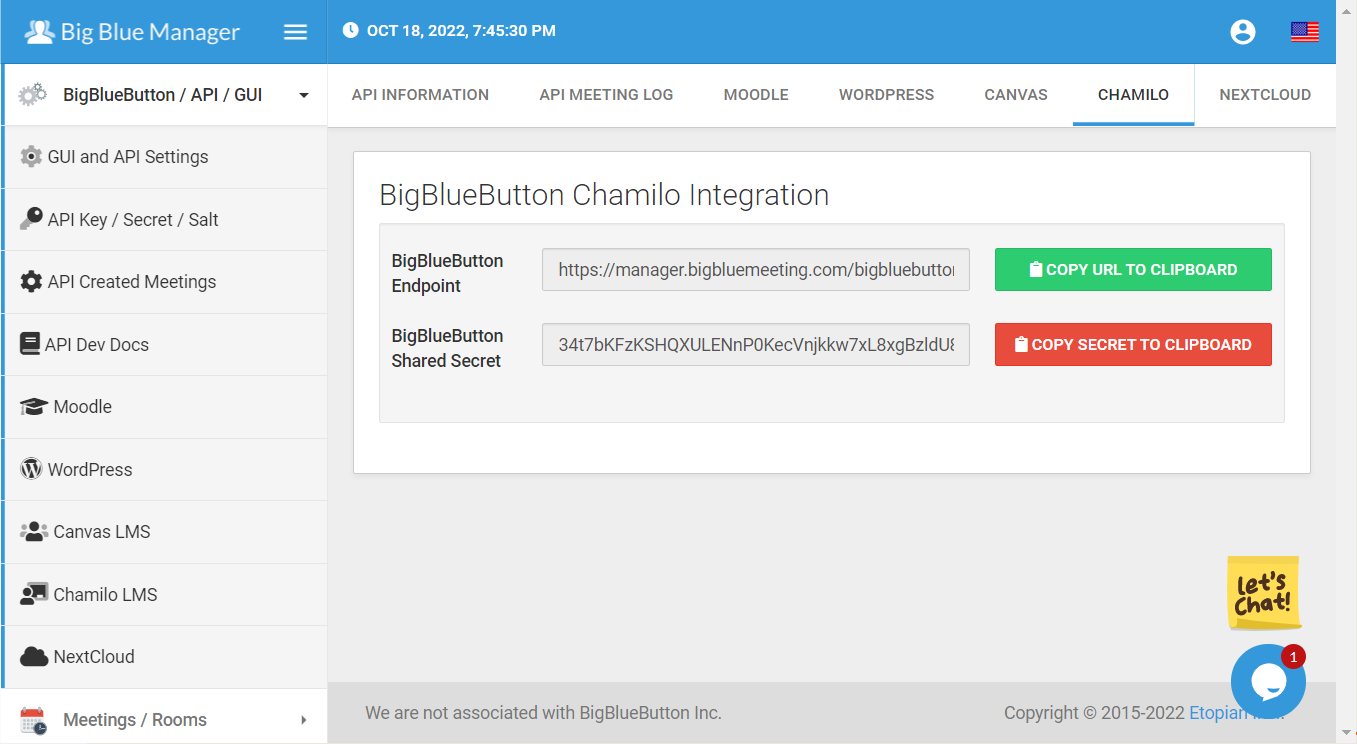
Step 9
The settings from the above step should now be pasted into Chamilo.
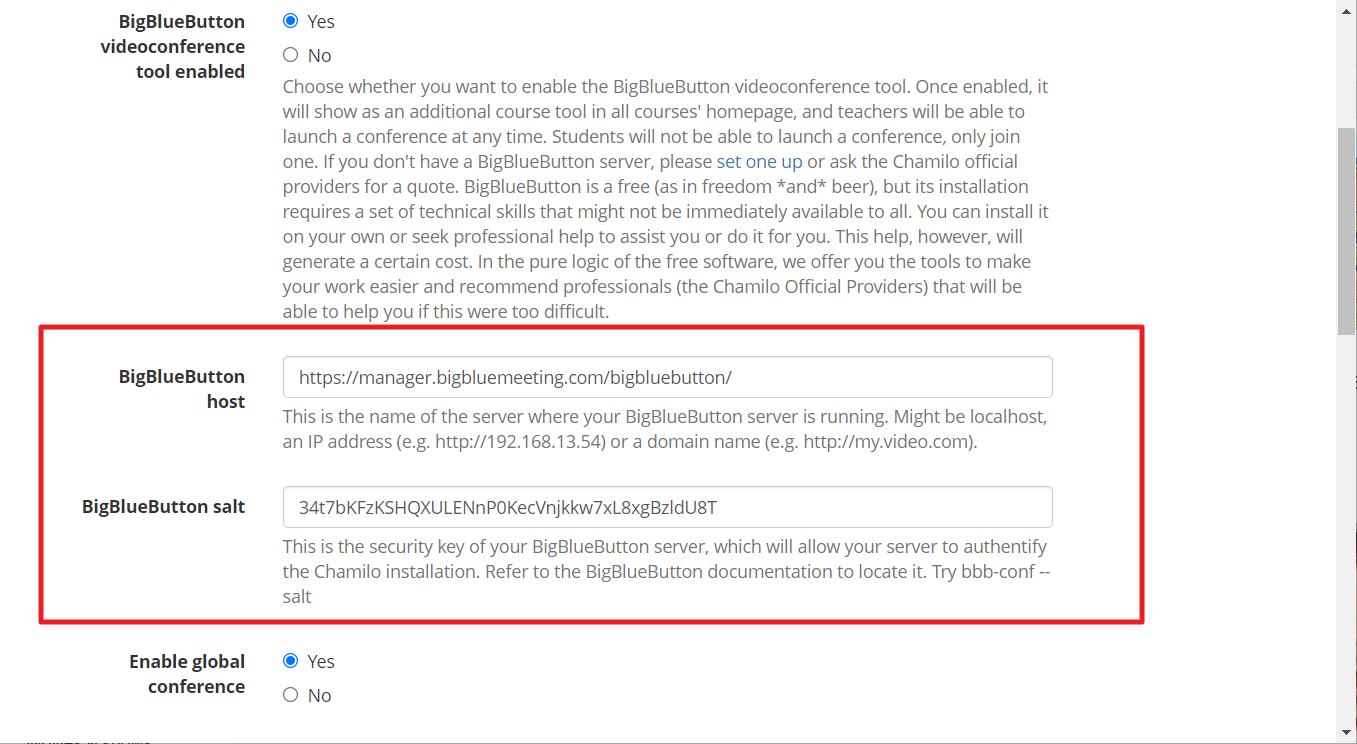
Step 10
Set the rest of the settings on the page as follows, or to your desired preferences.
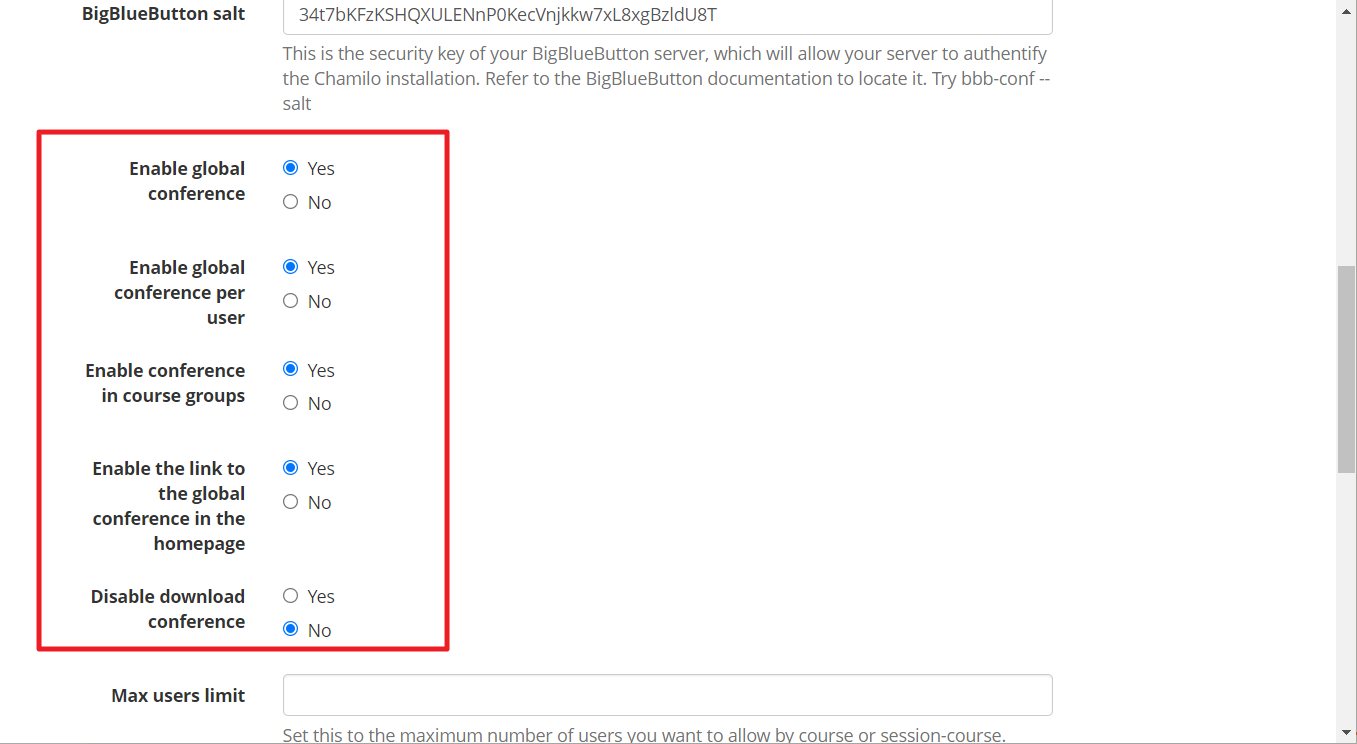
Step 11
Save the settings by clicking the "Save" button.
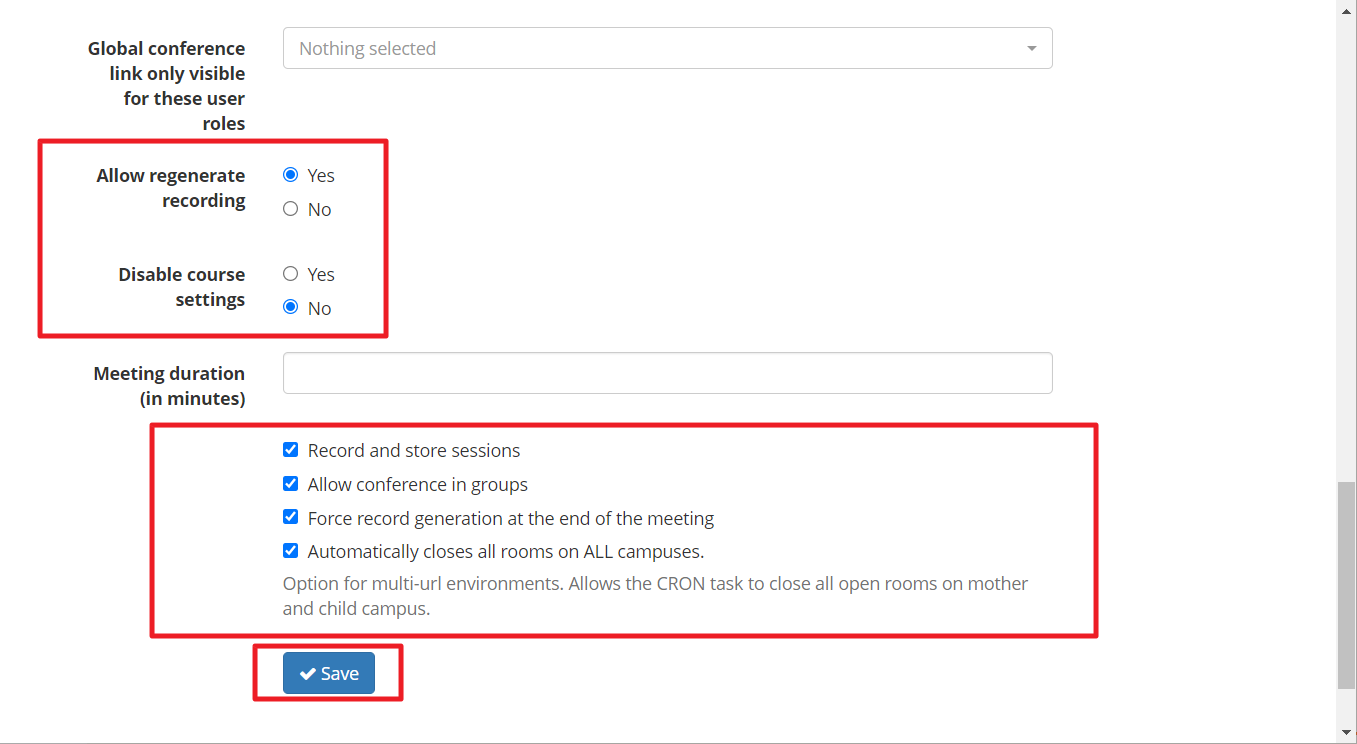
Step 12
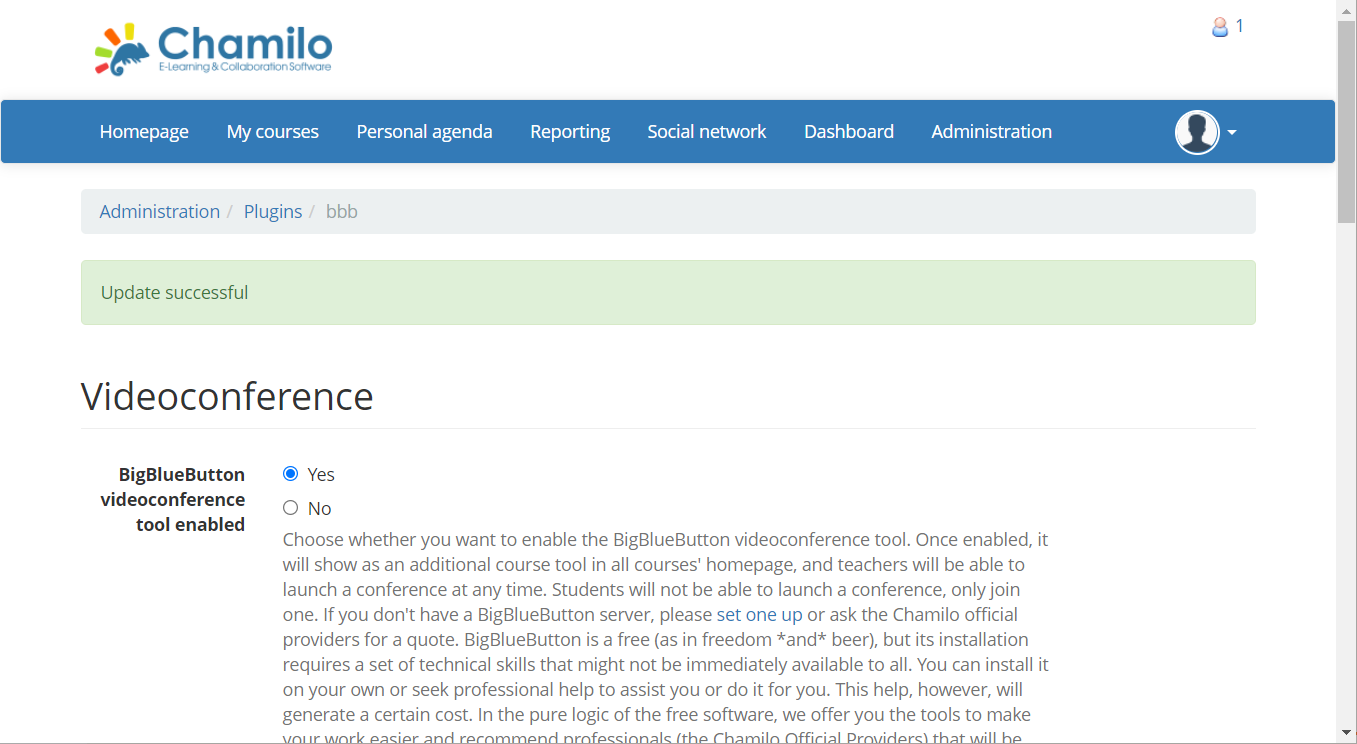
The settings should now be saved and you are ready to use BigBlueButton.
Step 13
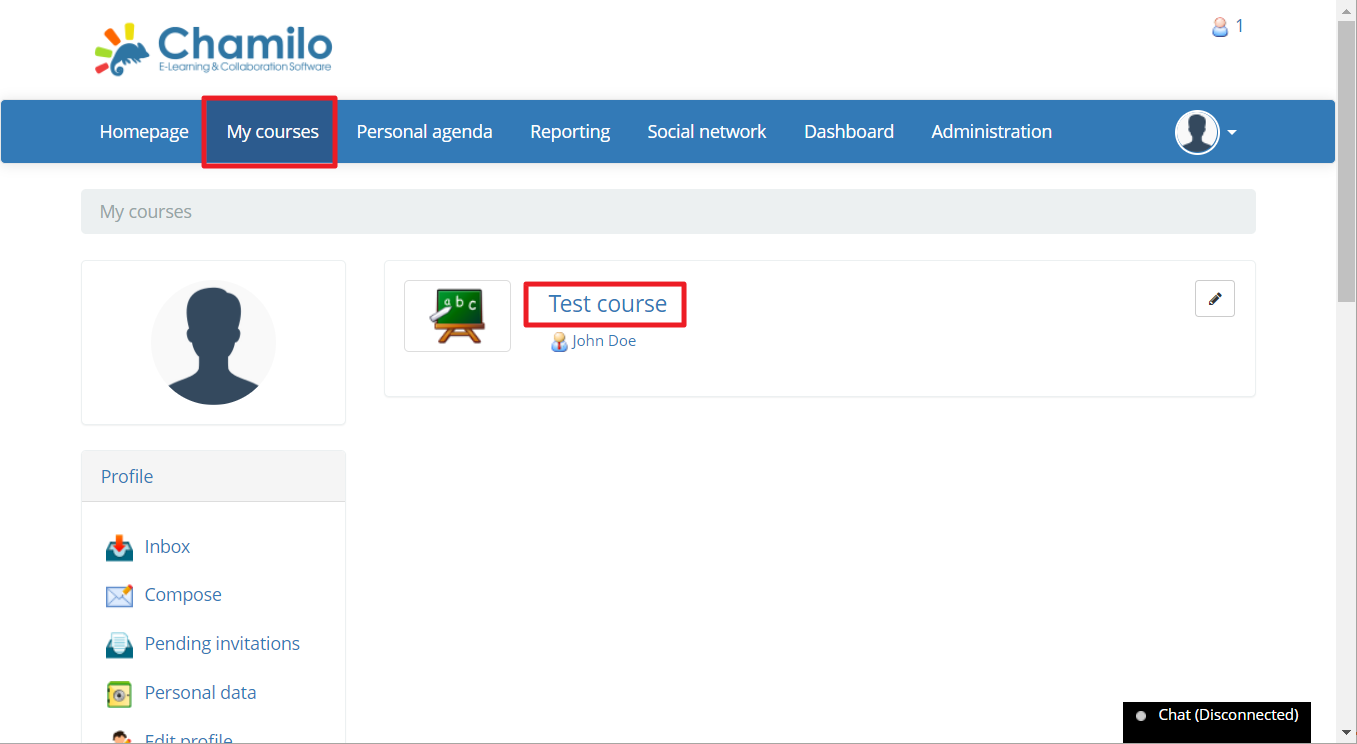
Navigate to My courses and select any course that you wish to use.
Step 14
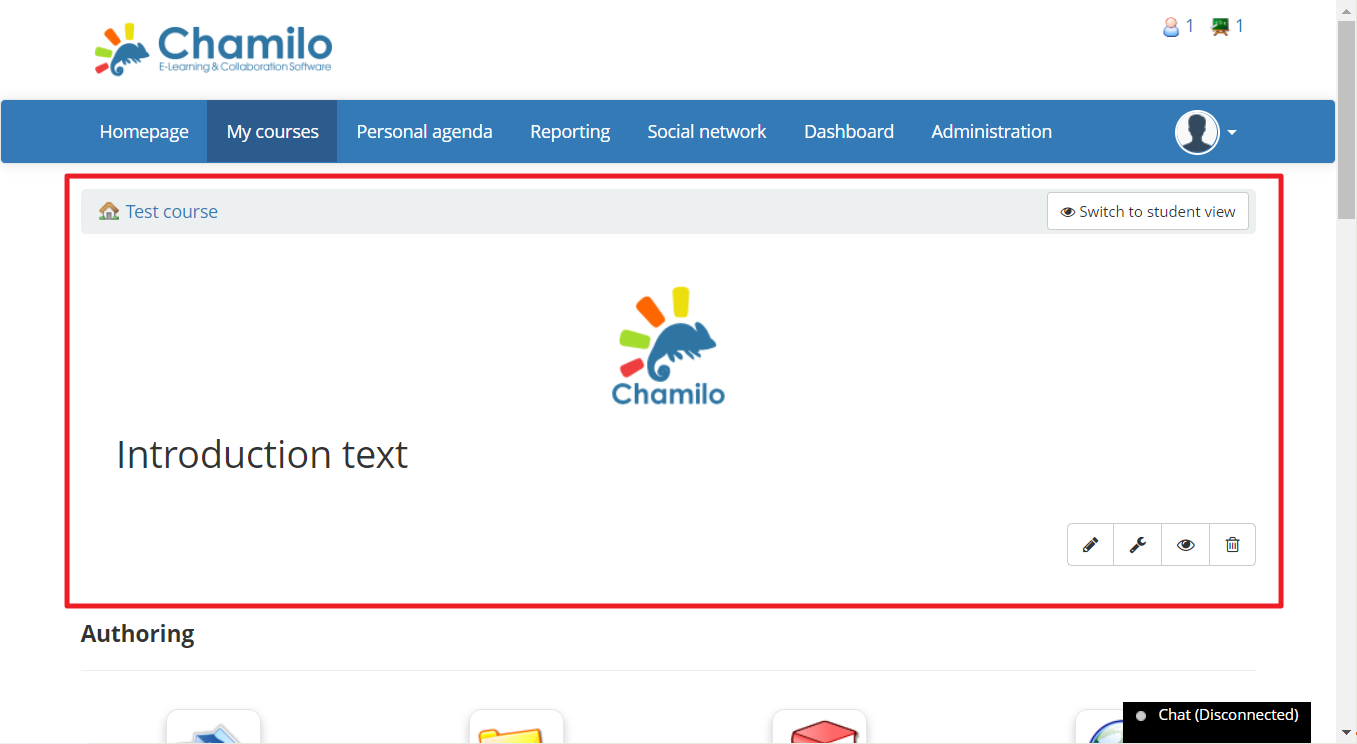
You should now be on the course page.
Step 15
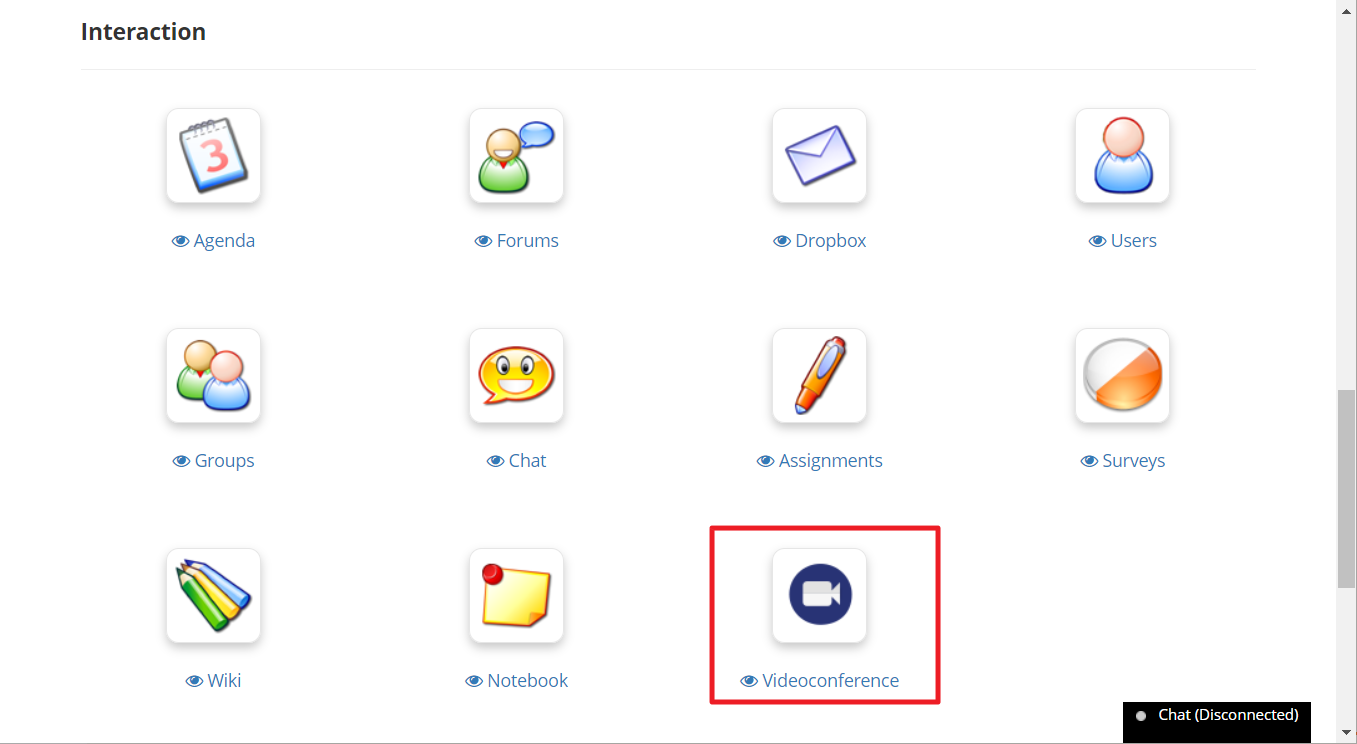
Scroll down to find the "Videoconference" icon.
Step 16
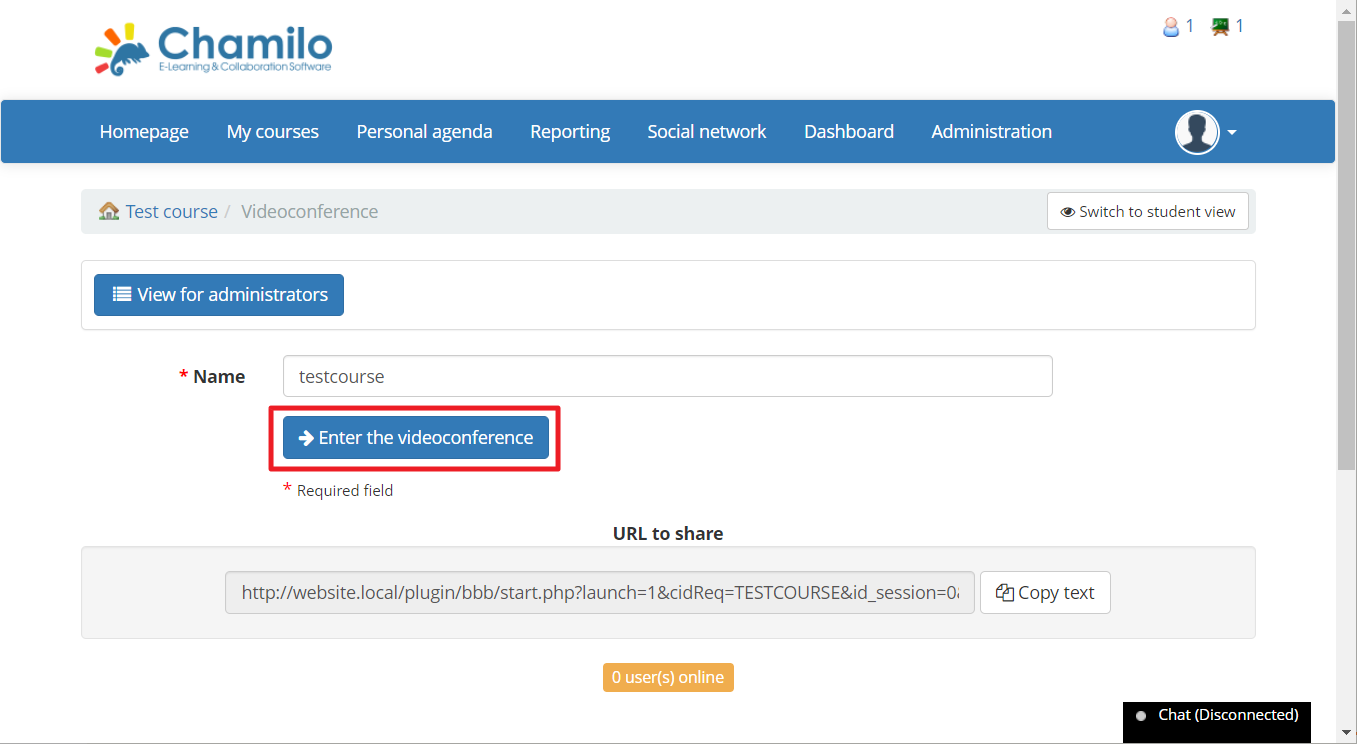
Click "Enter the video conference".
Step 17
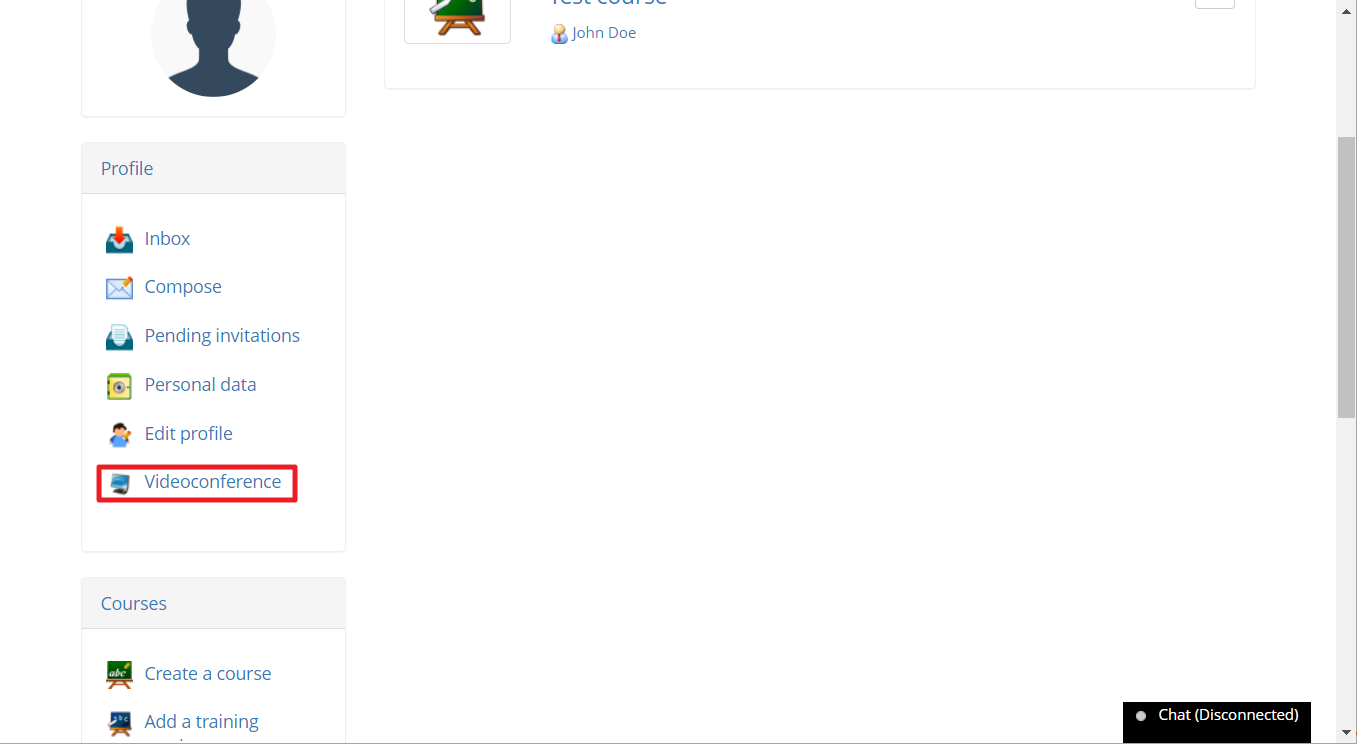
You may also join the video conference from the User Profile menu on the left of the My courses page.